Courses and training
Review an online course or MOOC from its summary and find every concept again in the video.
Learn from video and audio
Courses, talks, podcasts, tutorials or sermons: add a link or search YouTube. Grow prepares the transcript and a clear summary, keeps your notes tied to the exact moment and helps you put it into practice.
Free to download · iPhone, iPad and Android · Français, English, Español, Português
Works with
You already listen. Grow keeps what matters and makes it useful.
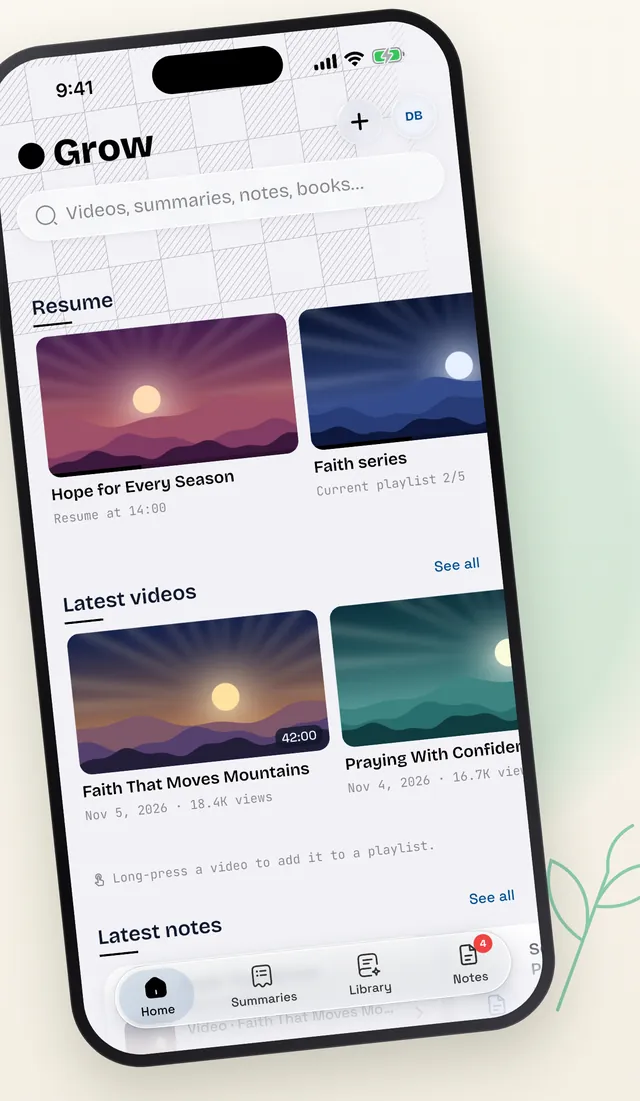
Paste a link, search YouTube right inside the app, or import an audio, video or PDF file.
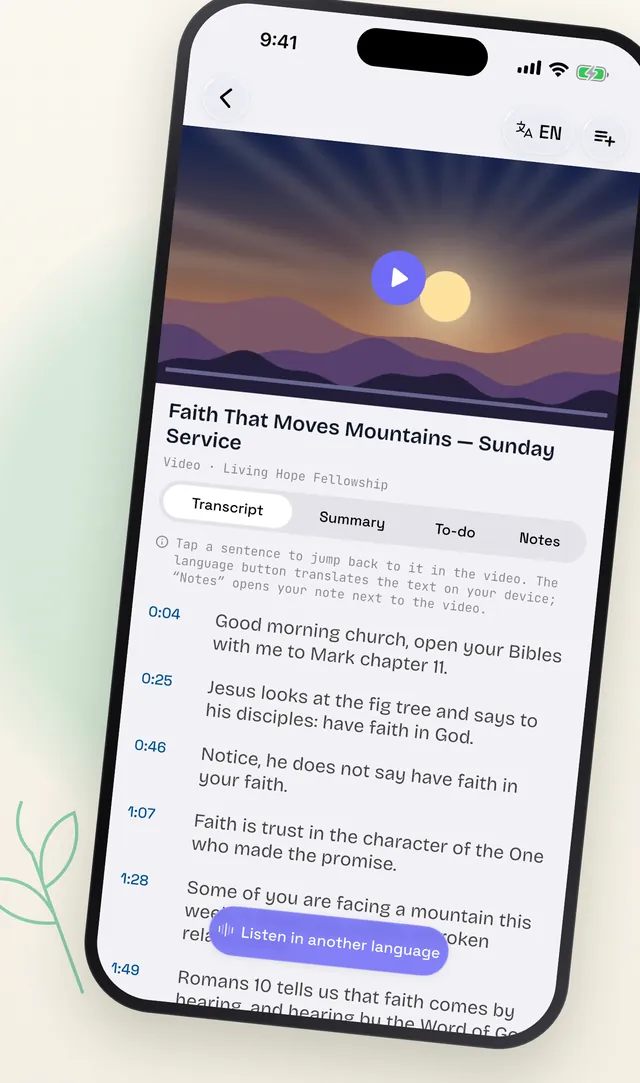
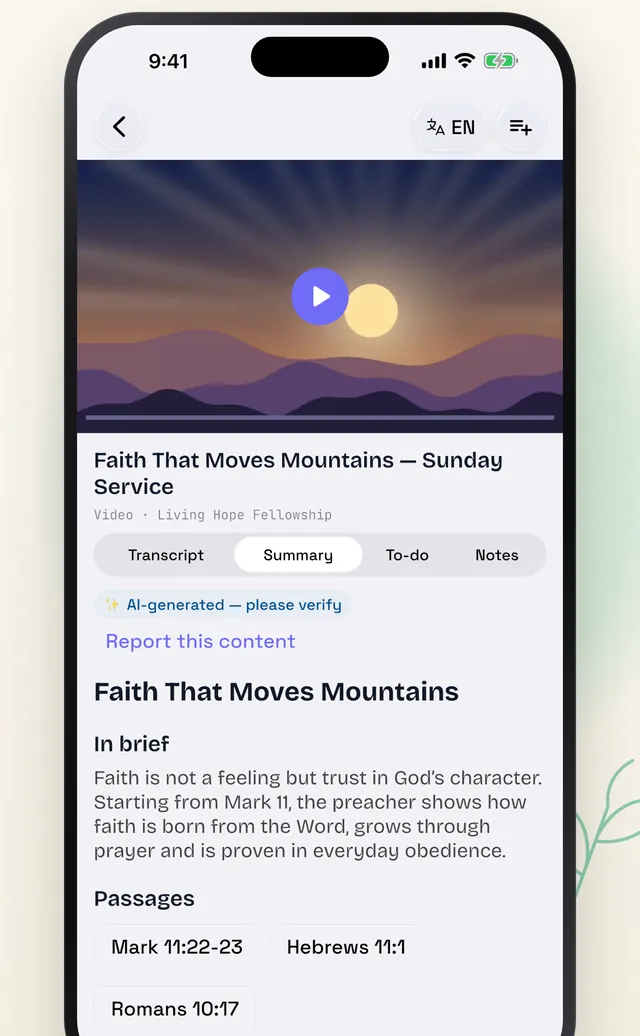
Timestamped transcript, a summary with outline and key points, translation into your language. Tap a sentence to jump back to that exact moment.
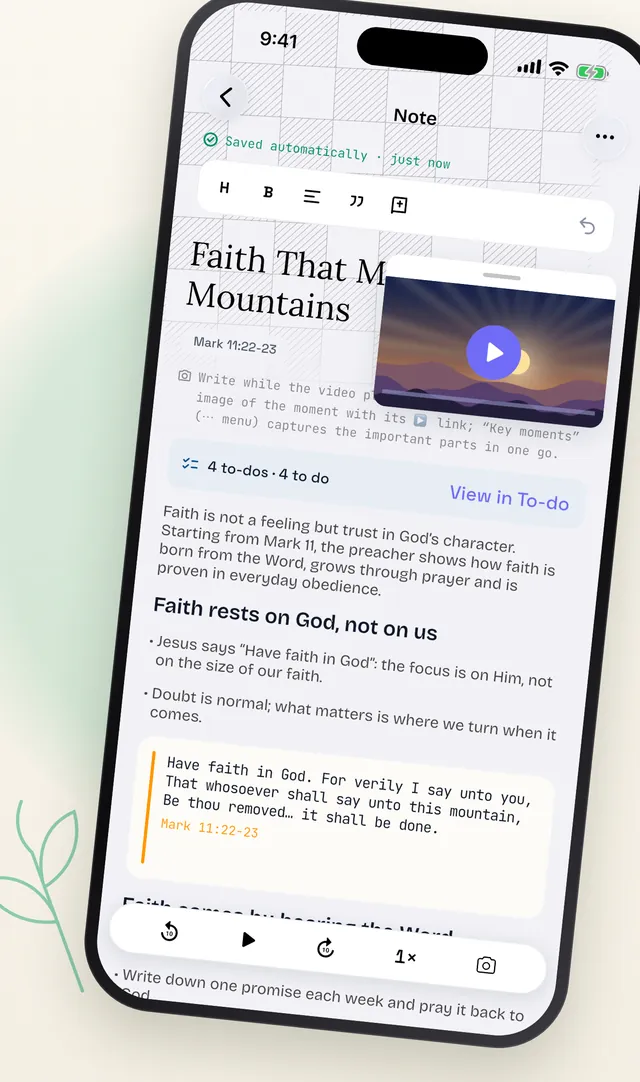
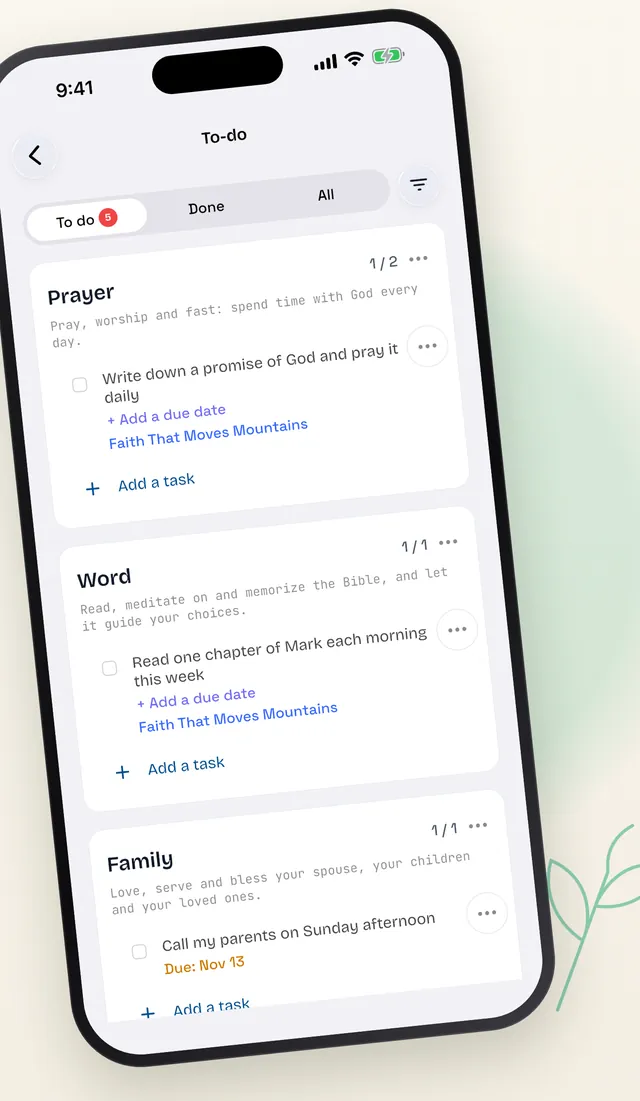
Take notes tied to the moment you heard, turn ideas into takeaways and get a reminder to follow through.
One tool to learn, review and make progress, whatever the subject.
Review an online course or MOOC from its summary and find every concept again in the video.
Keep the big ideas from a conference, a keynote or a panel, with timestamped quotes.
An hour-long episode becomes a few key points you can reread in two minutes, and share.
Follow a tutorial step by step: the actions become a checklist, linked to the right moment in the video.
Turn an inspiring video into concrete habits you track day after day.
Take notes on a message right next to the video, find its references and put it into practice during the week.
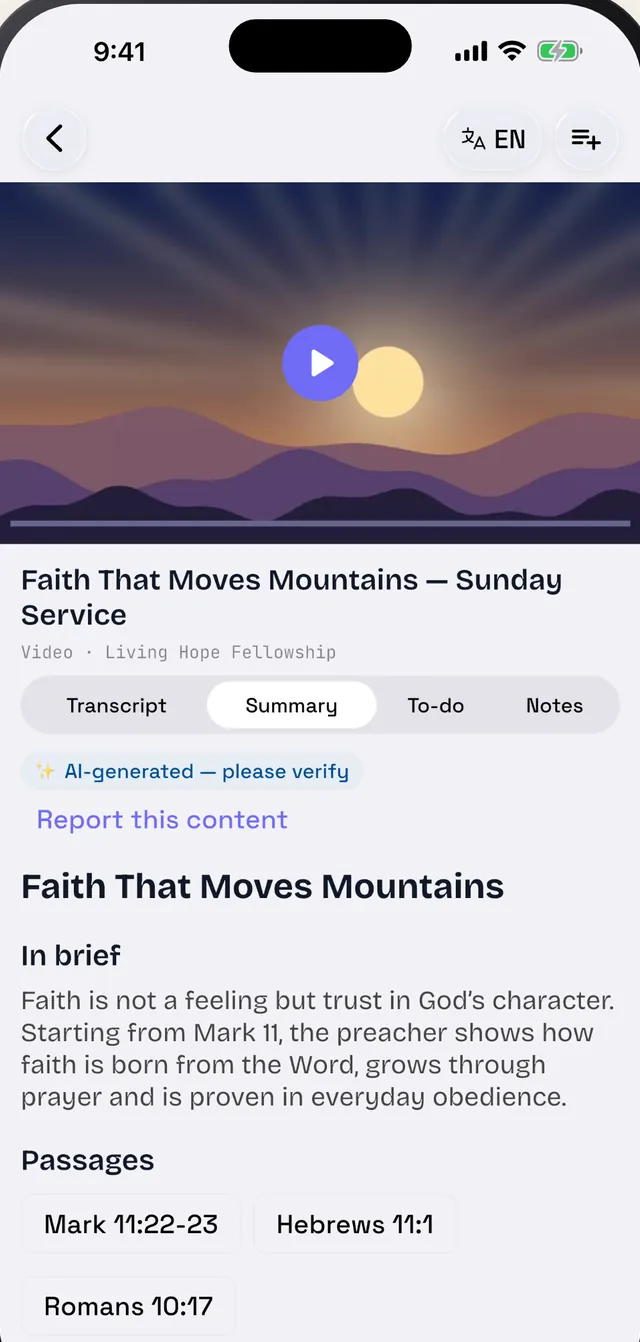
Screenshots of Grow on iPhone.
Your notes stay yours. Delete your account and your data at any time.
iPhone, iPad and Android, in English, French, Spanish and Portuguese.
AI-generated content is labeled as such, so you can check it and report it if needed.
Grow is free to download. Some features require a Premium subscription: plans, prices, limits and any trial periods are shown in the app and by your store before any purchase.
A YouTube video or channel, a Vimeo or Dailymotion video, a podcast (Apple Podcasts, Spotify, RSS feed), an audio or video file from your device, a PDF or a book. You can also search YouTube without leaving the app or share a link to Grow from another app.
No. Grow works with any content you want to remember: courses, talks, podcasts, tutorials, personal growth… Sermons and teachings are one use among others.
The app is available in English, French, Spanish and Portuguese. Transcripts and summaries can be translated into your language.
They are a handy starting point, clearly labeled as AI-generated. Review them alongside the transcript: every sentence links back to the exact moment in the source, and you can report inaccurate content.
Your notes are private. You can delete your account and all your data at any time from the app (My profile → Delete my account); see Account deletion and our Privacy Policy.
Add your first video in seconds. Free on iPhone, iPad and Android.